
Contents
Developers are increasingly using AI to speed up the coding process. Some development companies even highlight the use of AI as a competitive advantage—building products quicker and with fewer resources. For early-stage startups, this approach can be particularly beneficial when they need to validate an MVP, gain first users, and show genuine market demand to investors.
But once the development work is completed, you need to decide how the application will be deployed and managed. And when writing code feels this fast, teams instinctively look for a similar deployment path—a solution that’s easy to adopt, quick to run.
Kubernetes is the gold standard for high-end delivery, but it’s frequently viewed as complicated and slow to adopt. Due to this perception, teams tend to consider other options that offer an easier and quicker start, like AWS Fargate or HashiCorp Nomad.
In this article, we provide a comparison of Fargate and Nomad with cloud-managed Kubernetes, discuss when these two Kubernetes alternatives can be a better choice, and also explore where Kubernetes remains the stronger option.
Core Reasons for the “Un-Kubernetes” Wave
We’re seeing a growing “Un-Kubernetes” sentiment on platforms like Reddit, Medium, and LinkedIn, often driven by developers who are used to getting results quickly with AI tools. When app code can be quickly generated by AI, spending days configuring YAML files may feel like a step back in terms of speed.
Thus, in comparison to the rapid pace of AI-powered development, working with Kubernetes can appear more time-demanding.
Even with managed Kubernetes services like AWS EKS, you still need to understand and work with a wide range of concepts that define how your services operate. You have to configure components like deployments, services, and networking rules, as well as manage how workloads are scheduled and scaled across the cluster.
This can translate into many hours or even days of work just to start a basic service, especially for teams without prior experience with Kubernetes, and, thus, presents a more significant entry barrier when compared with platforms like AWS Fargate. Fargate abstracts much of the underlying infrastructure and operational tasks and allows you mainly to concentrate on deploying your application.
With Kubernetes, you need to have specialized engineers on your team, at least to some extent, as many abstractions are involved. There should be a team member who understands the design of the entire system, how components interact, and ways of resolving issues at the cluster level.
And if the person who designs and deploys your Kubernetes environment leaves the team, a considerable amount of time may be required for a newcomer to be able to work with the system confidently, even if it’s defined in code.
AWS Fargate: The Benefits and the Boundaries
As a serverless container platform, Fargate reduces the amount of infrastructure you manage, which makes it appealing for a range of use cases.
Simply put, Fargate is like valet parking. You don’t have to think about how the garage is organized or where the car gets parked—you just hand over the keys and move on.
Here are some of the main aspects that make Fargate convenient from a developer’s perspective:
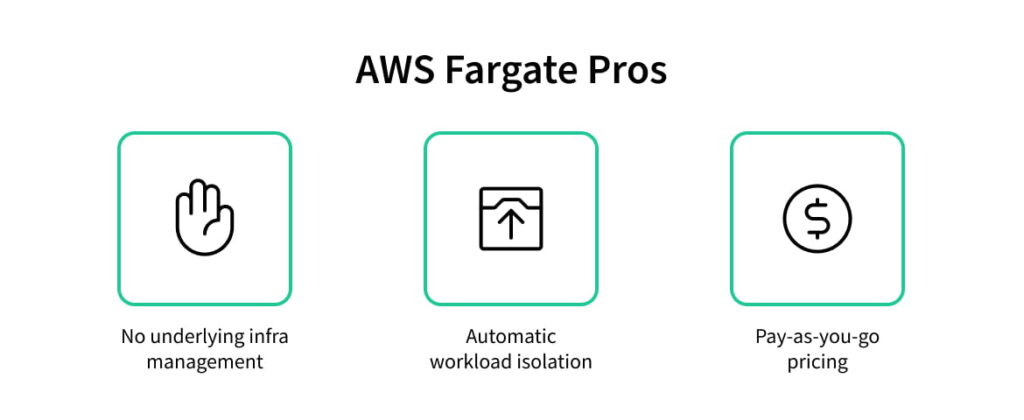
- You define your container, choose how much CPU and memory it requires, and then let Fargate do the rest. This looks like selecting a container image, setting a few resource parameters, and deploying. You don’t deal with servers or low-level cluster configuration, so your application can go live faster.
- Fargate runs each workload in its own isolated environment. Although both Kubernetes and Fargate provide isolation, in Kubernetes, you are responsible for isolation configurations, while in Fargate, this is managed by AWS. This means you don’t have to adjust how resources are used across services or worry that one service may affect the performance of another.
- Fargate has a pay-as-you-go model. When you use it, you decide on how much CPU and RAM your container requires, and AWS then charges you for this amount of CPU and memory only for the time the container is running. This is different from setups based on EC2 instances, which are the machines your Kubernetes cluster operates on, where you pay for the machines themselves, even if they aren’t fully used. Thus, it’s easier to keep costs aligned with actual usage in Fargate.
However, Fargate’s convenience comes with trade-offs:
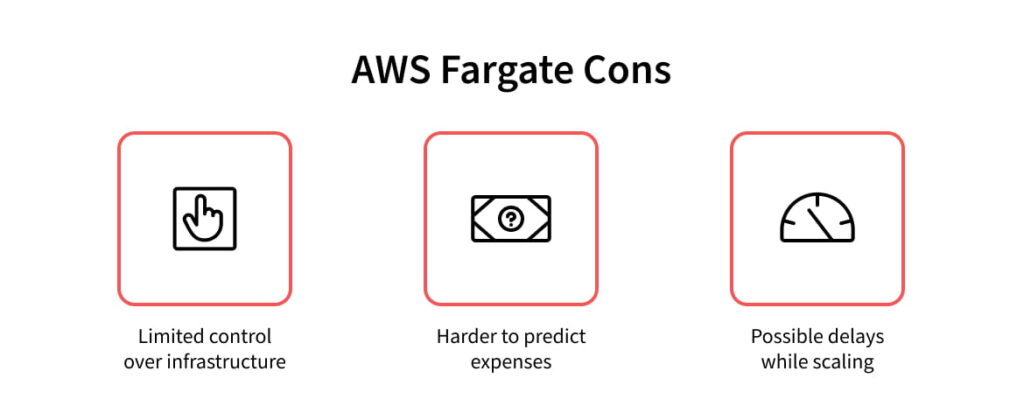
- Since AWS manages the underlying infrastructure (you don’t have “the keys to the garage”), you have fewer options to control how resources are used across services or how they communicate with each other. Normally, this isn’t a problem when dealing with a few services, but it can make fine-tuning performance more difficult as your architecture scales and traffic increases.
- Fargate costs are linked to the resources used in real-time: the specific number of containers, how long each container runs, and the CPU and memory allocated to it. This means you only pay for your actual usage; however, it can make predicting monthly costs challenging when dealing with unpredictable traffic patterns. On the other hand, with Kubernetes, costs are more stable because you typically have a fixed set of machines (nodes). Even if workloads fluctuate, you still pay for the capacity you’ve provisioned, which makes costs easier to predict.
- When Fargate starts new tasks, it prepares an isolated compute environment for each one. Sometimes, this can cause a bit of delay compared to running workloads on already available capacity. Therefore, if your workloads require rapid scaling, this delay can become noticeable.
When Fargate Is the Better Option
Generally, Fargate was made to be simple, so, if its simplicity matters for you more than detailed control over infrastructure, this could be your preferred solution.
Overall, Fargate is a “force multiplier” for teams that don’t have a dedicated 24/7 infrastructure department. It might be an appropriate choice if you have an early-stage product with fluctuating usage, and you don’t know how much capacity to plan for yet, but you don’t want to over-provision either.
Fargate is also suitable for businesses with legacy systems for the first time migrating their monolithic applications to the cloud. It provides a simpler path than setting up and managing a full Kubernetes cluster.
When Fargate Might Not Be the Right Choice
Fargate may not be the best option if your service usually experiences unexpected increases in traffic, yet your business has strict response requirements.
For example, a service suddenly gets a lot more traffic than usual; this could be due to viral activity or just unexpected bursts in API usage. Additional capacity wasn’t provisioned. As noted earlier, while Fargate scales, it’s not instantaneous, so this can affect response times.
Furthermore, it’s less suitable for businesses where it’s important to plan and control spending. If your workloads have unpredictable bursts of activity followed by quiet periods, the cost model of Fargate isn’t as predictable and may lead to a spend that is over budget.
HashiCorp Nomad: The Middle Ground
Nomad isn’t as managed as Fargate—you still have control over the underlying infrastructure. But Nomad is also not as layered as Kubernetes.
Here’s how it differs from Kubernetes:
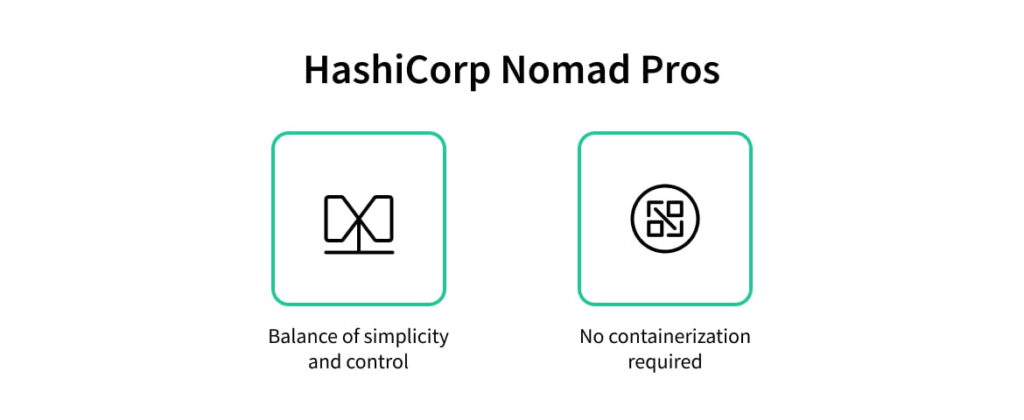
- Nomad simplifies your experience using Kubernetes by reducing the number of components you interact with. You don’t work with separate concepts like deployments, services, and networking configuration—you work with a single job definition. You specify what to run, which container image to use, plus its required CPU and memory size, and Nomad will schedule it to any of the available machines. Yes, you still manage the machines, scale the cluster, and make sure there’s sufficient capacity. But what Nomad simplifies is what happens on top of that. It still is a more straightforward route to production and, thus, a faster route.
- While Kubernetes has a very strong opinion that everything should be a container, Nomad is indifferent. It pays no attention to how your code is packaged, only where it needs to run. This is especially useful for legacy applications. It’s possible to take an existing C++ or Go binary, tell Nomad “run this on a Linux server,” and it will monitor it, restart it if it encounters an error, and handle logging—no Docker required.
Yet, here’s where Nomad falls short in comparison to Kubernetes:
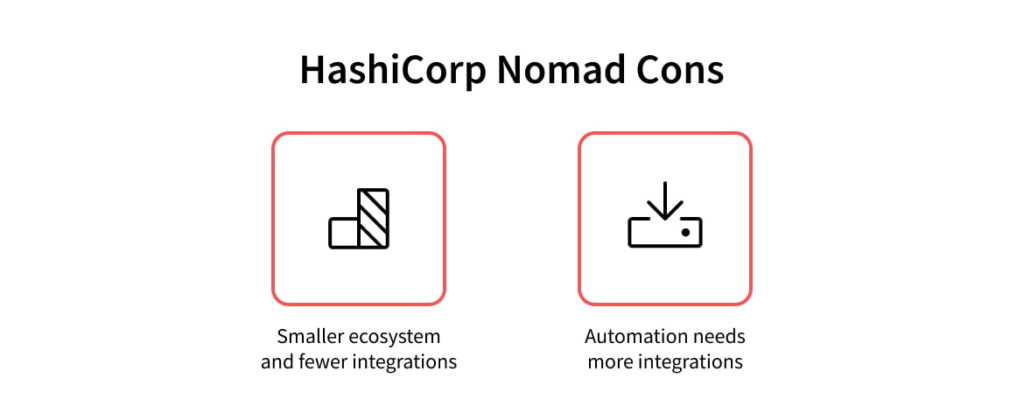
- Kubernetes has a large and mature ecosystem and provides lots of services like networking and security widely available and built specifically for it. Nomad’s ecosystem is smaller. Thus, even though Nomad can be easier and faster during initial setup and subsequent deployments, you may not always find ready-made ways to connect the tools you prefer, so you may still have to spend extra time connecting these systems yourself.
- In most modern Kubernetes setups, especially managed cloud services, autoscaling is a native capability. You apply a YAML file (an HPA object), and the cluster can automatically scale workloads based on metrics. In contrast, for Nomad to have autoscaling functionality, you need to run the Nomad Autoscaler as a separate component, either as a service or as a job within your cluster.
When it comes to pricing, Nomad can be a double‑edged sword. On one side, the Community Edition is open-source and free. However, more advanced capabilities are only available in Nomad Enterprise, which is sold through custom contracts rather than a transparent usage‑based model, making long‑term pricing less predictable.
Overall, Nomad gets the job done, but doesn’t provide as many features initially. Autoscaling is a good example—when you aim for a more automatic environment, Nomad will require additional time to set up the needed connections.
Furthermore, due to the smaller size of Nomad’s ecosystem, there are fewer ready-made solutions and less troubleshooting documentation available. Therefore, it’s more likely that you’ll have to solve integration problems by yourself.
When Nomad Is the Better Option
AWS Fargate is a favorable choice for shifting monolithic applications to the cloud. However, sometimes Nomad might be an even superior option because it doesn’t require your services to be containerized.
In general, Nomad is optimized for processing large numbers of short-lived tasks. If you need to spin up multiple instances, complete a job, and then terminate them, Nomad’s scheduling can be faster and more efficient than Kubernetes in these scenarios.
When Nomad Might Not Be the Right Choice
When Nomad’s features are enough for your workloads, it can be simple and fast. But when you require more complex automation, it can feel like a DIY. Thus, in some cases, it may be better to choose the native features of Kubernetes right from the beginning.
Where Kubernetes Does Better Than Fargate and Nomad
Kubernetes remains an industry standard for a reason—it’s designed for maximum automation.
It’s a choice for organizations of all sizes, from startups to global brands like Adidas. In Adidas’ case, Kubernetes helped cut e-commerce website load times by 50% and increase release frequency from every four to six weeks to several deployments per day.
As we’ve compared Fargate and Nomad to Kubernetes, here are some of the main areas where Kubernetes has a clear advantage:
- In Kubernetes, autoscaling is often built in, and the cluster can self-adjust the number of instances to meet demand. And with proper tuning, it allows for quick scaling. Because of this, Kubernetes is great for businesses where even brief downtimes can significantly affect revenue.
- Unlike Fargate, Kubernetes allows you to run multiple services on shared infrastructure and use resources more efficiently. While Nomad can appear cheaper at the beginning thanks to zero open-source platform fees, with Kubernetes tools like Karpenter, clusters can automatically adjust capacity based on demand, helping reduce unused resources and costs.
- What we haven’t mentioned yet is that Kubernetes has a more configurable self-healing mechanism than Fargate and Nomad. It can be set up to check if the application is truly responding, and when a pod becomes non-responsive, Kubernetes can restart or replace it. In case a node fails, the scheduler automatically reschedules these workloads to the healthy nodes.
If you have a large, growing system with scalability and reliability needs, Kubernetes was built for that, and here’s what it has to offer to businesses:
- High availability thanks to autoscaling and self‑healing. This means revenue-important workloads can stay online even when there are traffic surges or node failures
- More efficient use of resources as you scale
- And with the right approach, once you manage to overcome its steep learning curve, it can still promise fast time‑to‑market, as it enables quick deployments with repeatable rollbacks. So, it has the potential to keep up with the rhythm of AI-driven development.
Fargate vs Nomad vs Kubernetes: Quick Comparison
Summing up our comparison, here’s how Fargate and Nomad differ from Kubernetes, and here’s what each provides:
| Category | AWS Fargate | HashiCorp Nomad | Kubernetes |
|---|---|---|---|
| Core Idea | Serverless container platform | Lightweight, general-purpose scheduler | Full-featured container orchestration platform |
| Ease of setup | ⭐ Relatively easy, as the underlying infra doesn’t have to be managed | ⭐⭐ Moderate—it’s simple to deploy, but you manage infra | ⭐⭐⭐ Complex—requires understanding of multiple concepts |
| Scalability | Scales automatically, but not instantly | Requires additional configurations (Nomad Autoscaler) | Built-in autoscaling, fast with proper tuning |
| Self-healing | Basic (restart failed tasks) | Basic (restart jobs/allocations) | Advanced (health checks, rescheduling) |
| Main trade-off | Less control, cost unpredictability | Smaller ecosystem, more DIY setup | Complexity and learning curve |
| Cost model | Pay-as-you-go (per CPU/memory usage) | Free; contract-based | Pay for provisioned infrastructure (nodes) |
| Cost efficiency | Good for variable workloads | Good at small scale | Strong at scale |
| Best for | Simple MVPs | Batch jobs, legacy apps | Complex systems aiming to grow, microservices/apps in transition from monolith to microservices |
The Easy Path Isn’t Always the Right Path
We’ve mainly described the nature of these three platforms—Fargate, Nomad, and Kubernetes. How valuable each of their advantages is for you also depends on how your setup is configured overall.
Kubernetes is indeed more sophisticated than Fargate and Nomad. Yet, in multiple areas, it outperforms its alternatives. Therefore, the primary question when considering whether to use it or not is whether its complexity is worth what it can provide over time.
At the same time, solutions like AMIX can simplify Kubernetes adoption. AMIX is a prebuilt infra setup designed to help cut costs by up to $10,000 and save over 160 engineering hours—you can download it here for free.
If you need assistance choosing the most appropriate infrastructure tech stack for your product, whether you’re just at the idea stage, already have an MVP, or want to modernize a legacy system, reach out to us!
We’ve delivered over 50 successful projects and supported platforms with more than 90 million daily users. Our team at IT Outposts will advise you on a tech stack that suits your technical limitations, as well as your business objectives.

I am an IT professional with over 10 years of experience. My career trajectory is closely tied to strategic business development, sales expansion, and the structuring of marketing strategies.
Throughout my journey, I have successfully executed and applied numerous strategic approaches that have driven business growth and fortified competitive positions. An integral part of my experience lies in effective business process management, which, in turn, facilitated the adept coordination of cross-functional teams and the attainment of remarkable outcomes.
I take pride in my contributions to the IT sector’s advancement and look forward to exchanging experiences and ideas with professionals who share my passion for innovation and success.